Features
One product, not five logins
Every pillar below ships in Go1Desk today. Turn off the ones you don't need from Settings, at no extra cost.
Do you need a helpdesk, a CRM, or both?
Most small service teams start with one tool and bolt on a second one later: a helpdesk for handling support tickets, then a separate CRM once they realize they need to track customers and deals too. The two tools rarely talk to each other well. A support agent cannot see whether the person emailing in is mid-negotiation on a deal, and a salesperson chasing an opportunity has no idea the same contact has three open support tickets.
Go1Desk is built the other way around: one shared workspace where support tickets, internal IT requests, and CRM records live on the same contact. Every ticket automatically links to a real contact and company record the moment it arrives, and that link is retroactive, so setting up a contact after the fact connects any tickets that person already sent in. An agent working a ticket sees the customer's deal history right there; a salesperson working a deal sees whether that account has an open support issue. Neither has to switch tools or ask the other team.
That said, Go1Desk is not trying to be everything for everyone. If your team only needs ticketing and does not want to think about a CRM at all, the Free and Starter plans give you exactly that; the CRM and deals pipeline are opt-in modules on Growth and above, not something forced into every screen. And if you need a heavyweight, dedicated CRM with a large ecosystem of integrations and enterprise sales tooling, a standalone product built for that job specifically will likely serve you better than a CRM built as a companion to a helpdesk.
Go1Desk is the right fit if your team is small enough that logging into two separate tools, and manually cross-referencing a customer between them, is actual daily friction rather than a minor inconvenience: typically 1 to 50 people running customer support, internal IT, or both, who want one login and one shared history instead of a helpdesk subscription plus a CRM subscription plus the manual work of keeping them in sync.
One queue for support and internal IT
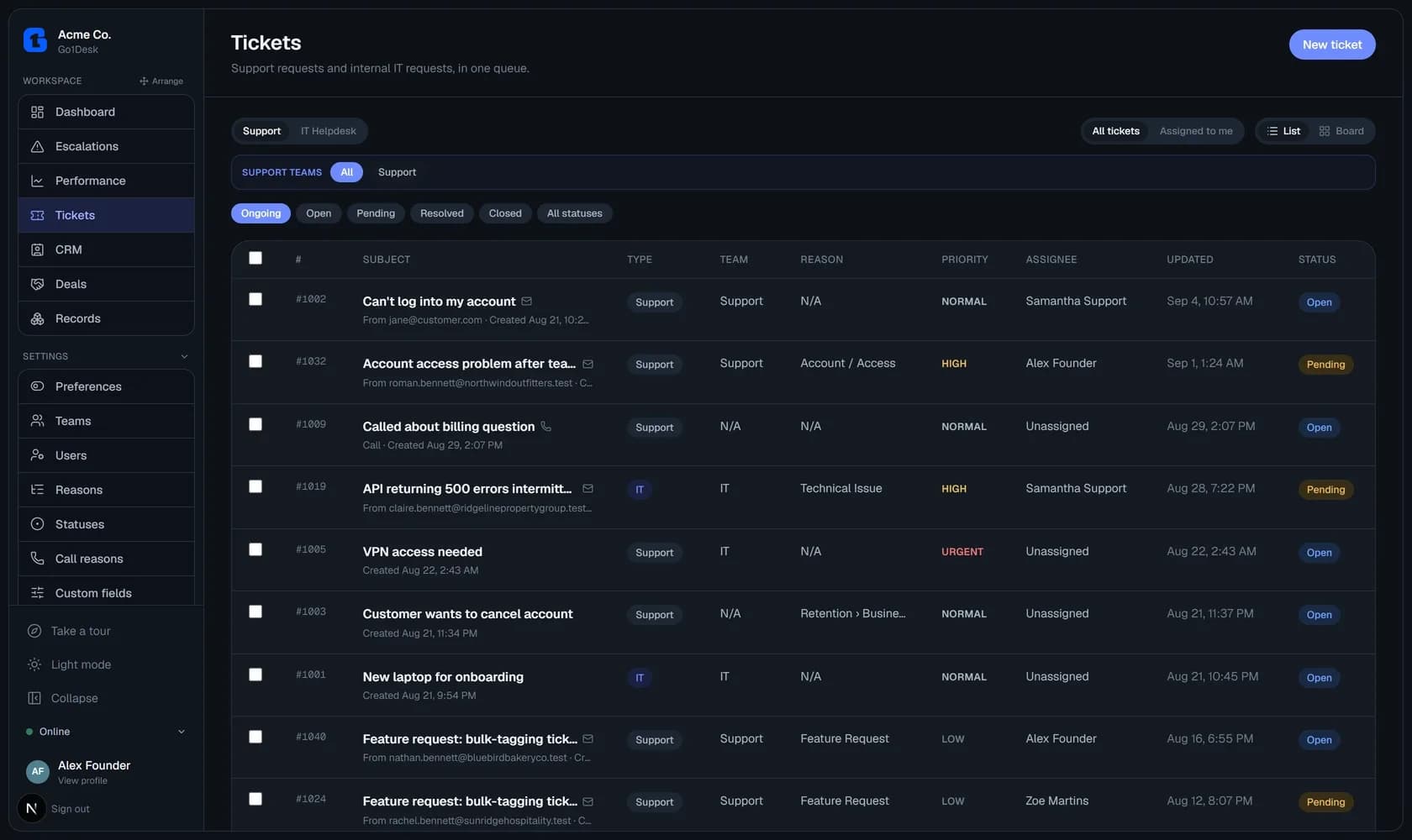
Customer support requests and internal IT tickets share a single queue, filterable by team, priority, status, or assignee. Switch between a list or a Kanban board depending on how your team likes to work. Every ticket keeps a full activity feed (replies, internal notes, status changes, and reassignments), with internal notes visually distinct so nothing private ever leaks to a customer by accident.
One inbox for email and WhatsApp
Email is built in from day one. Connect your own WhatsApp Business number in a few minutes, at no extra cost on any plan, and customer DMs land in a dedicated WhatsApp inbox to reply to, close, or promote into a full ticket. Instagram and Messenger are next, pending Meta's app review for messaging permissions. See the WhatsApp setup guide.
Connected
Each channel routes to one team, the same way a team's email address does.
Support · Email
Routing to Support · 214 conversations
WhatsApp · WhatsApp
Routing to Support · 37 conversations
Connect a WhatsApp Business number using your own Meta app's credentials.
Coming soon
- InstagramNeeds Meta App Review for messaging permissions.
- MessengerNeeds Meta App Review for messaging permissions.
Routing, auto-assignment, and SLAs
Give each team its own routing address: inbound email becomes a ticket automatically, and replies stay threaded on the same conversation. New tickets auto-assign to whoever on the team currently has the fewest open, and a per-team SLA fills in a due date the moment a ticket is created.
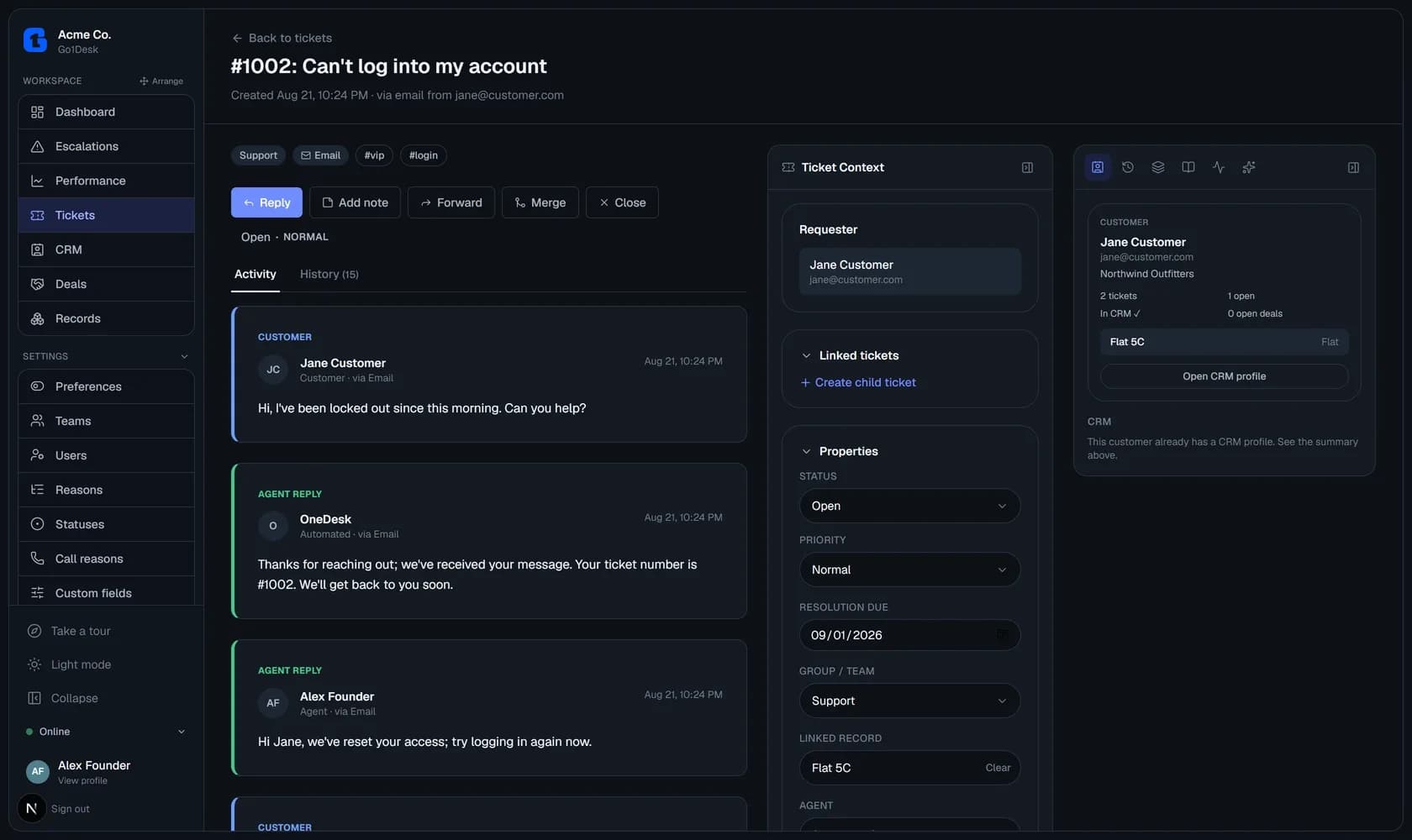
A mini CRM that's actually connected
Contacts and companies aren't a bolted-on add-on: every ticket links back to a real contact record, and setting up that record retroactively connects any tickets that person already sent in. Search by name, email, or phone, with numbers normalized so formatting never breaks a match.
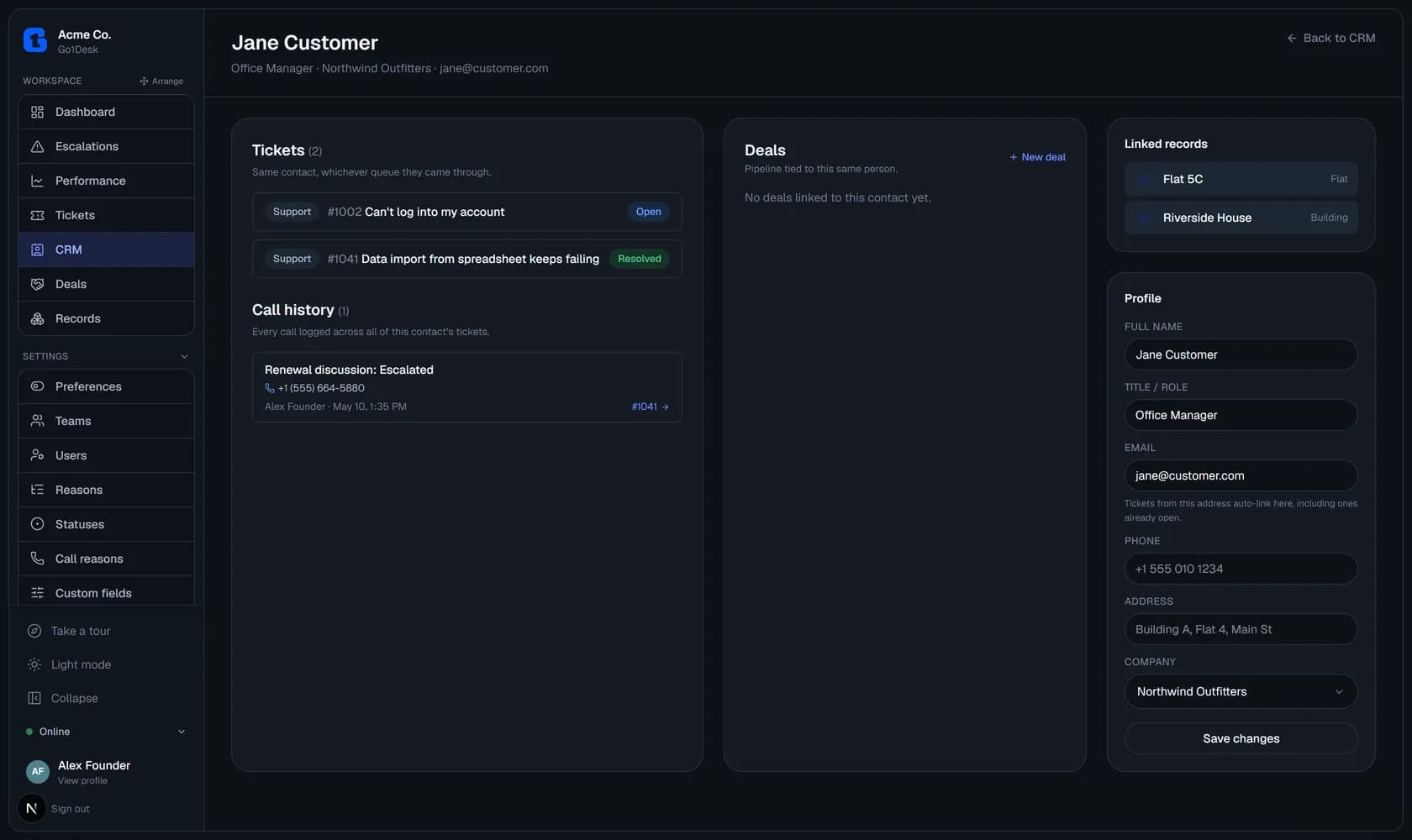
A visual pipeline for the deals that matter
Track opportunities from first contact to won or lost with a searchable, type-ahead contact picker instead of a plain dropdown. Define predefined products or services with a default price, so starting a new deal is a couple of clicks, not a blank form.
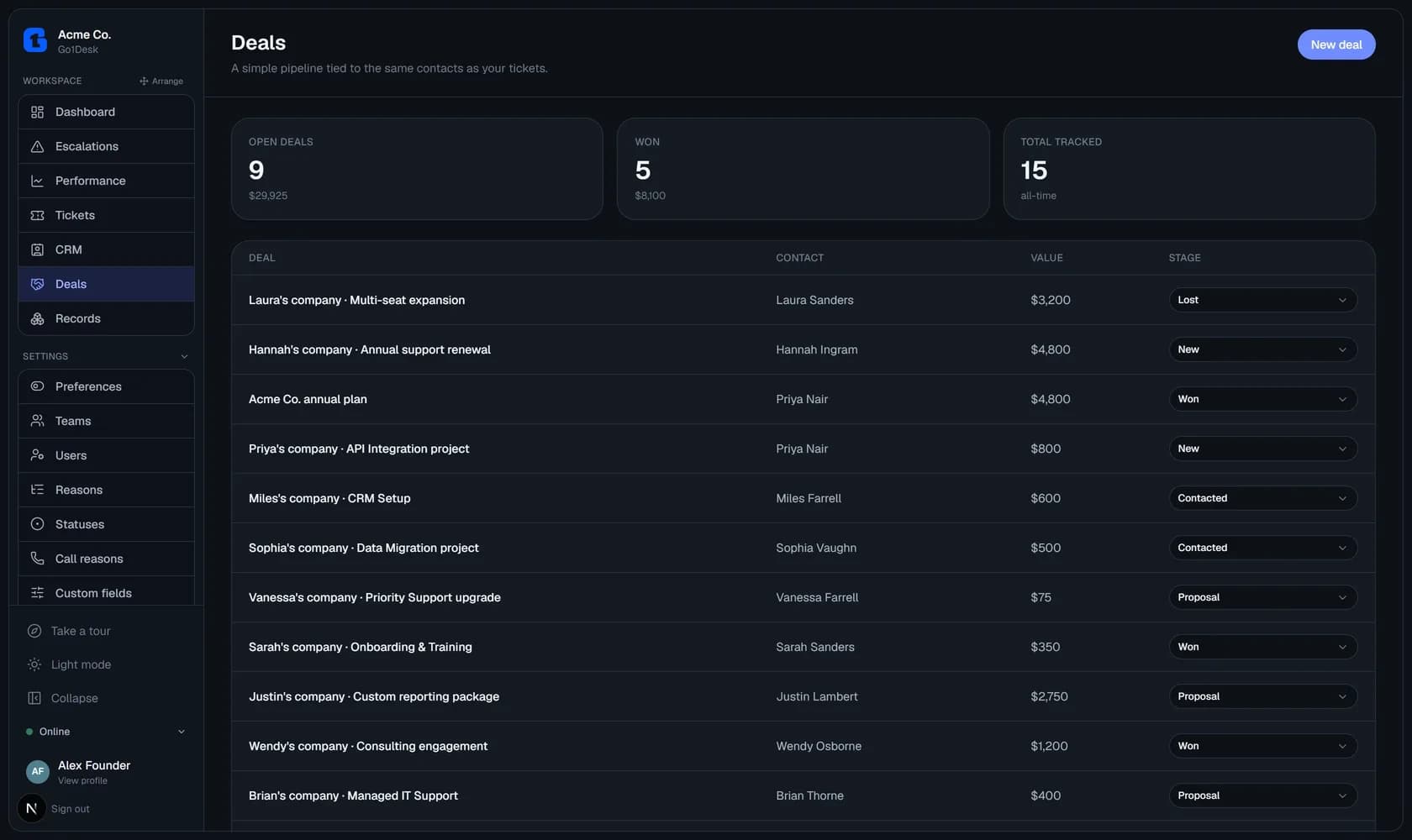
Define your own record types
Not every business runs on just tickets and deals. Create custom entities like Buildings, Assets, or Locations, with your own fields, and link them to contacts and to each other. A Flat can point back to its Building, and to whoever's renting it. Mark a record reserved to one contact at a time, or let it hold several, and it shows up right on the ticket and the customer's CRM profile.
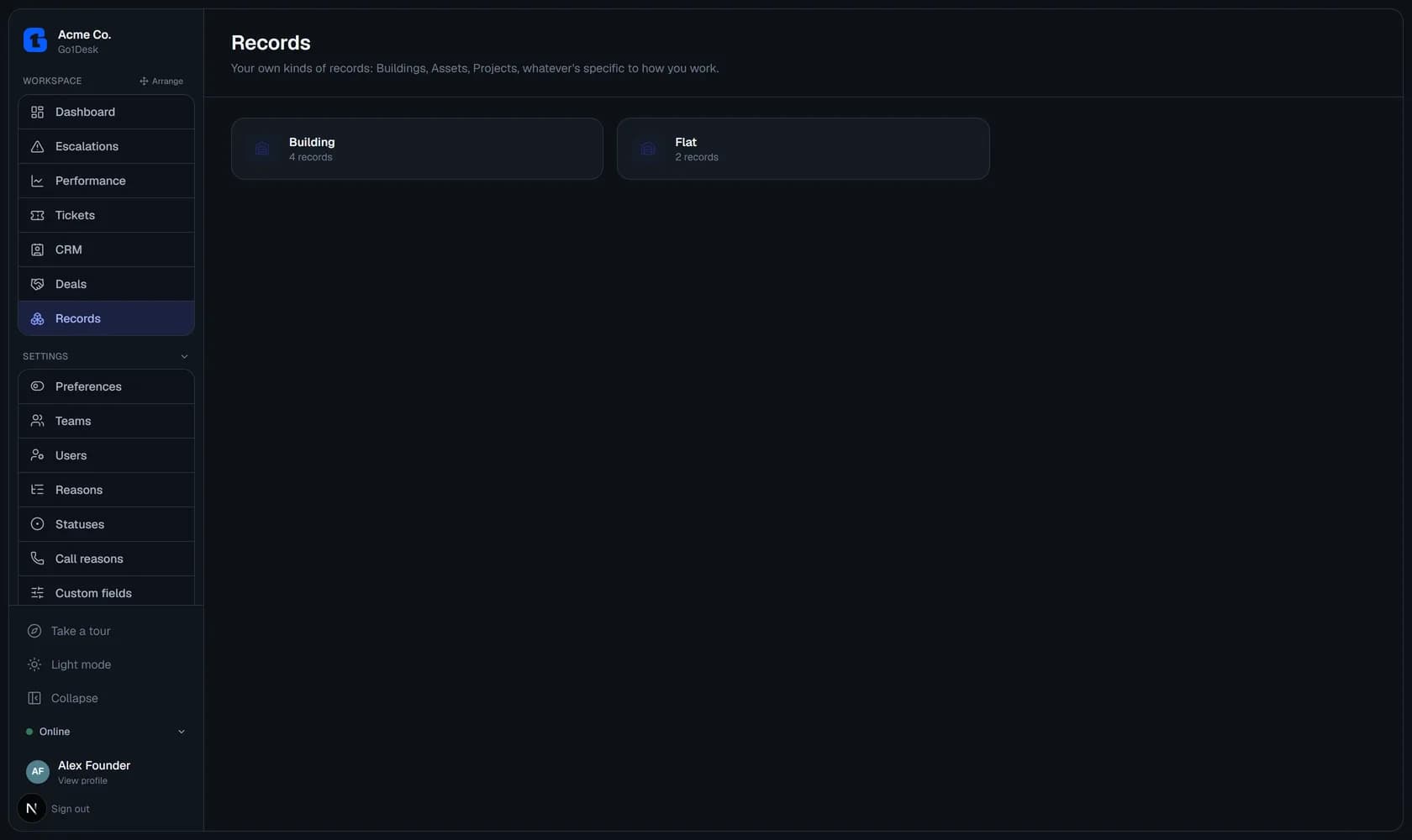
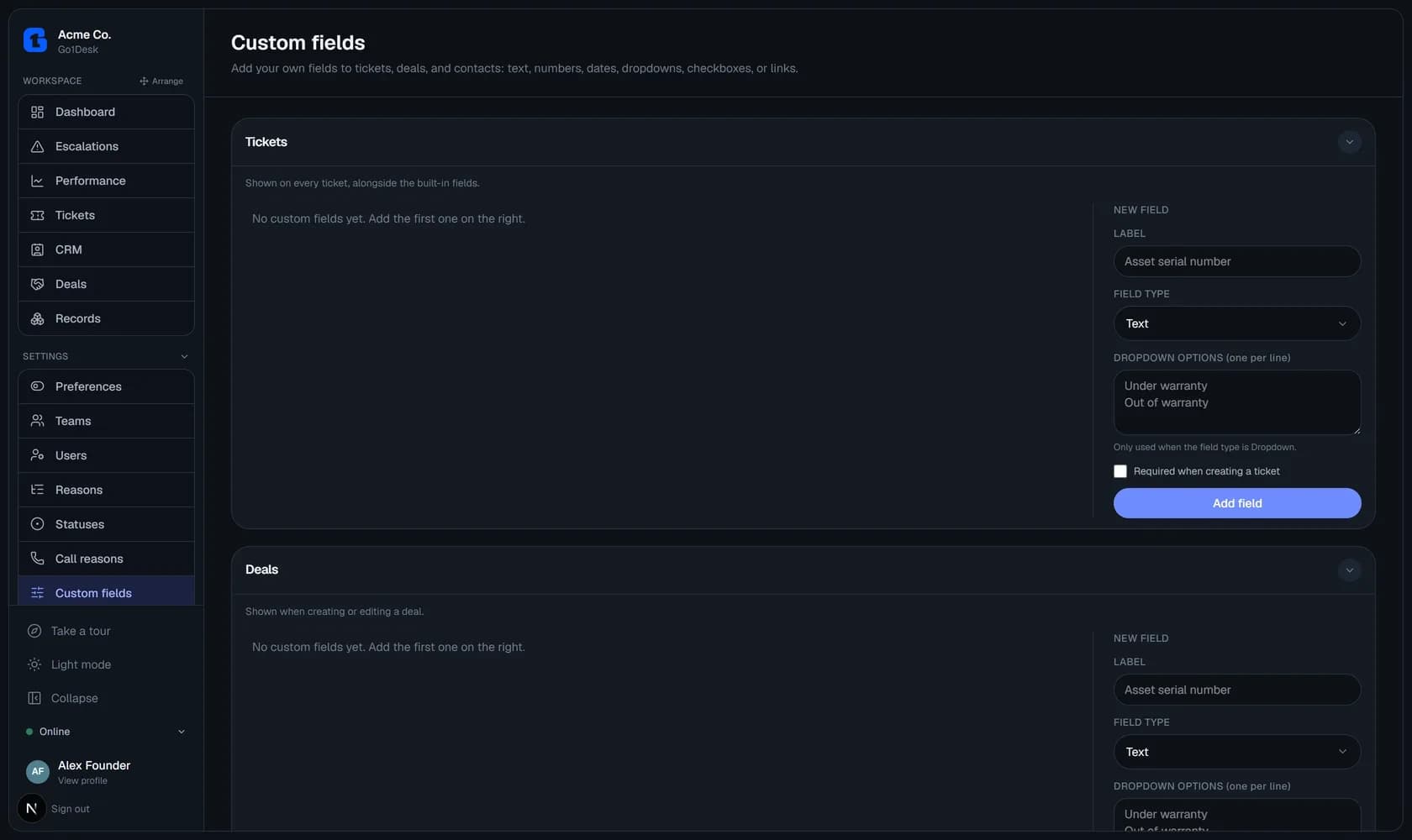
Custom fields on tickets, deals, and contacts
Add text, number, date, dropdown, checkbox, or link fields to any of the three record types, mark them required, and they show up automatically on the create form and detail view, no engineering ticket required.
Canned replies with team scoping
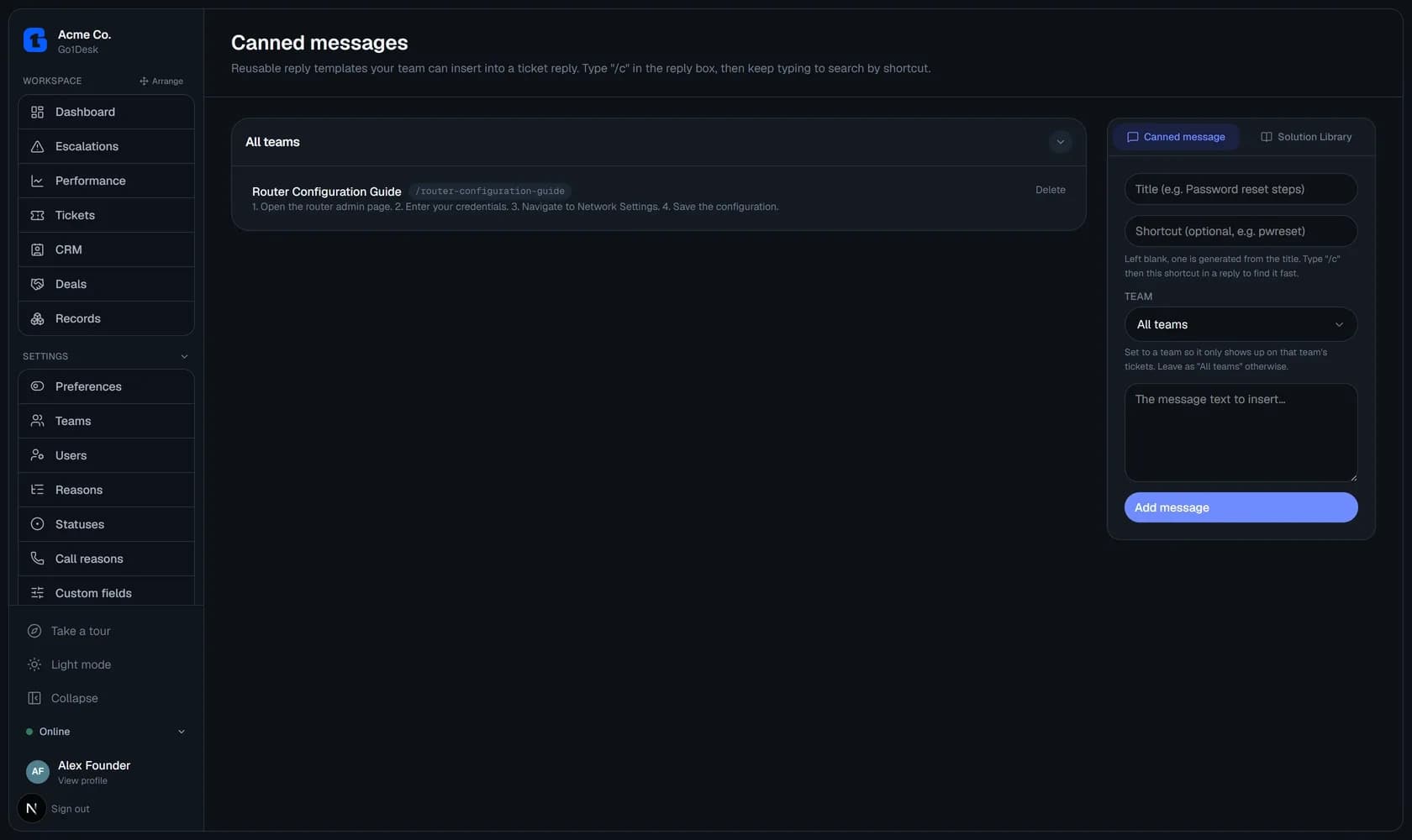
Type /c in any reply box for a Spotlight-style search of your reusable templates. Scope a template to one team or leave it global, so agents only ever see replies relevant to the ticket they're on.
Call logging that rolls up to the contact
Log phone support in one click with an admin-configurable reason list. Every call shows up in the ticket sidebar and aggregates onto the contact's profile, so anyone can see the full history at a glance.
Role-based access, enforced server-side
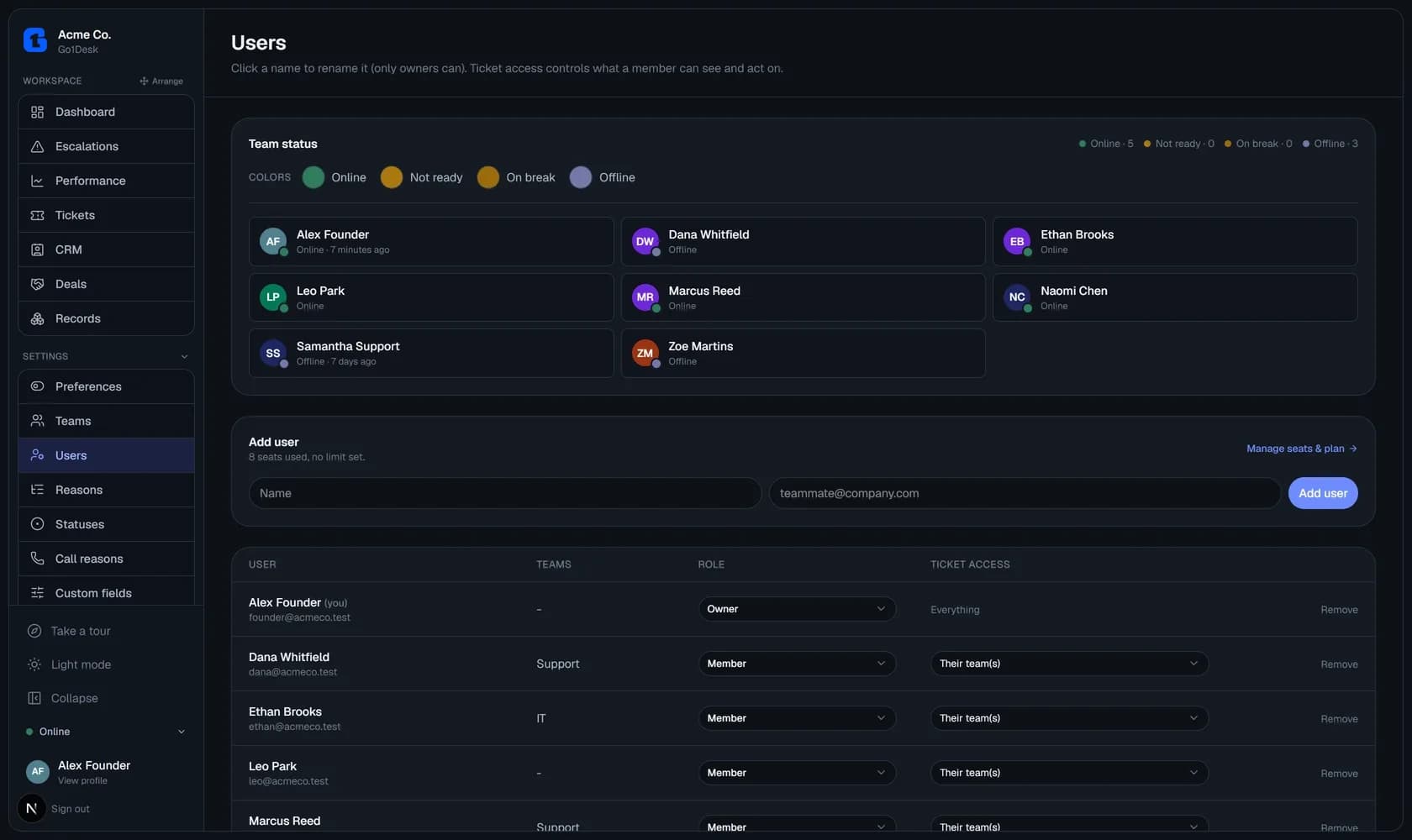
Members only see tickets that belong to a team they're on, and it's not just hidden in the UI: it's checked in the database query itself. Owners can widen or narrow any member's access down to "own tickets only" or workspace-wide, and a workspace always keeps at least one owner.